It is a common situation and it rarely arrives with a warning. A developer takes a full-time job elsewhere. A small agency closes. A freelancer stops answering email. The software they built keeps running, so for a while nothing seems wrong. Then something changes, and a business that depends on that software realizes nobody is looking after it.
If that is where you are, take a breath. This is fixable, and most of the first steps are not technical. Here is the order we would work in.
1. Write down what the software does for you
Start with the business, not the code. List what the software does, who uses it and what would stop if it disappeared for a day. An order portal, a member directory, a quoting tool, a certificate generator: whatever it is, describe it in your own words.
This list is useful for two reasons. It tells you how much urgency you really have, and it becomes the opening of any conversation with a new support provider. People who can describe the business purpose get better help than people who can only say "the website."
2. Find out who holds the keys
The most common blocker in a takeover is not the code. It is access. Make a list of the places the software depends on:
- The hosting account, where the software actually runs.
- The domain registration, which controls your web address.
- The code repository, if one exists.
- Any email service, payment provider or other third-party account the software talks to.
- The database.
For each one, write down whose name it is in and who can log in today. Do not be surprised if several are in the former developer's name or on their personal email. That is normal and it is correctable, but you need to know before it matters. An expired card on a hosting account held by someone who has left is one of the quickest ways to turn a quiet problem into an outage.
3. Check whether a backup exists
Ask your host whether backups are on, how often they run and where they are stored. Then ask the harder question: has anyone ever restored one? A backup that has never been restored is a hope, not a plan. You do not need to restore it yourself. You do need to know whether someone has, and the answer is often "no."
4. Do not change anything yet
When software is unfamiliar, the temptation is to tidy up. Resist it. Do not update plugins, do not let the host upgrade the runtime, and do not ask a friend who "knows websites" to poke around on the live system. Old software can be fragile in ways that are invisible until something moves. Every change should come after somebody has read the code and knows what depends on what.
5. Try, once, to reach the former developer
A short, polite email is worth sending. Ask for the repository, the hosting login, any documentation and a list of other accounts. Many developers will help, especially for a small paid handoff. If they do not respond, you have lost nothing, and you have a record that you asked.
6. Get the system looked at by someone who does this
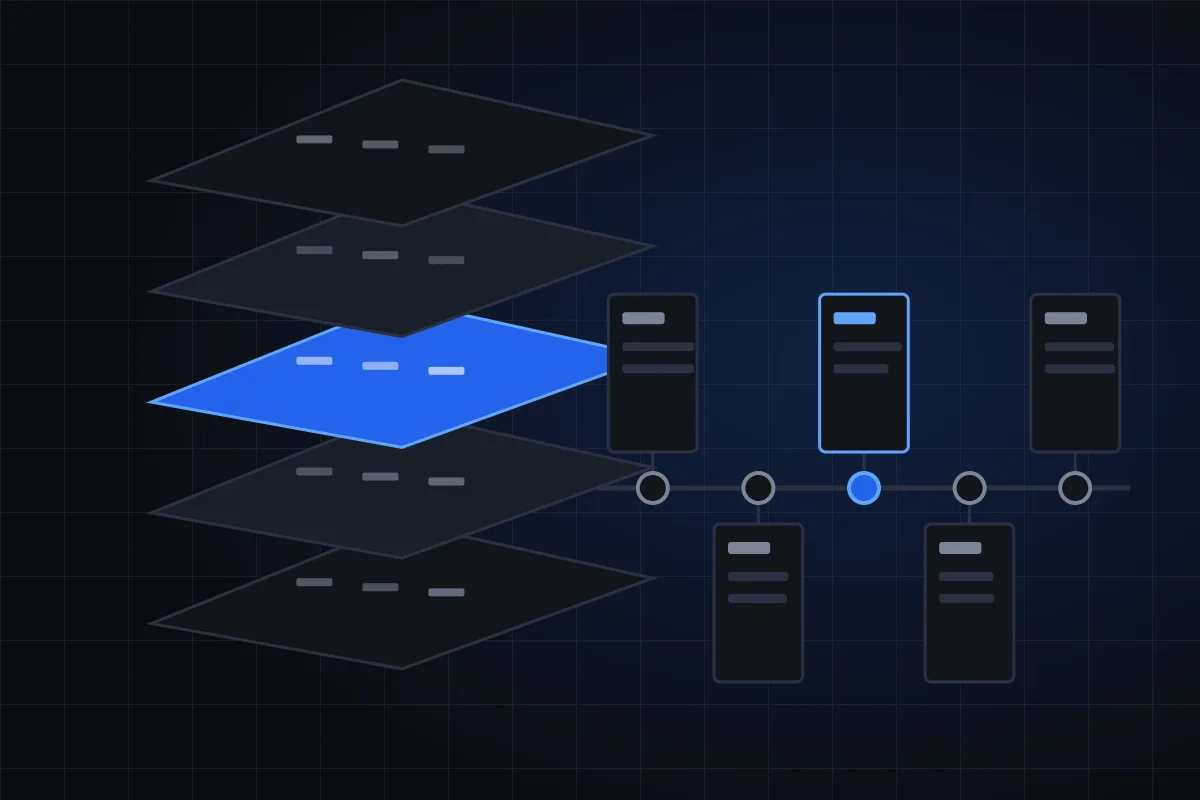
At some point you need a person to read the code, map how it is deployed and tell you what you have. That is exactly what a Takeover Assessment is: about two weeks, a fixed price, and a plain-English report. During it we put backups and access into accounts you own, write the documentation that never existed and price every fix.
If something is broken right now, a Rescue is the faster path: one named failure, a fixed fee and a start within two business days.
7. Decide what care looks like afterward
A report is only useful if someone acts on it. The usual next step is a small monthly retainer so the software has a named owner again: updates applied carefully, small problems fixed as they appear and a short note each month about what changed. Some businesses prefer to do the fixes as one-off projects and have no retainer at all. Both are reasonable. The point is to avoid returning to the position where nobody is responsible.
What you do not have to do
You do not have to understand the technology. You do not have to rewrite the software. You do not have to decide this week whether it should be replaced. Many systems that look hopeless turn out to be sound, only forgotten, and fixing in place is often the best value. If a rebuild is the right answer, that is a conversation for after you have facts.
A short checklist
- Describe what the software does for the business.
- List every account it depends on and whose name each is in.
- Confirm backups exist and ask if one has been restored.
- Make no changes to the live system.
- Email the former developer once.
- Book an assessment or a rescue.
- Decide who owns the software from here.
None of this requires technical skill, and all of it makes the next conversation shorter and cheaper. If you would like help with any step, tell us about your software and we will reply by email with what we would do first. You can also look at the pricing page to see what each entry point costs before you write.
We are an AI-assisted, human-reviewed service, and we say so up front. We make no changes to a live system without your written approval, and the accounts we set up are in your name.